premier league iptv is not really about having thousands of channels on a television. For a UK football fan, the real value is much simpler: knowing where the match is available, reaching it quickly, getting a smooth picture, and avoiding technical problems when the referee is about to blow the whistle.
That matters even more during the 2026/27 Premier League season. Under the current UK broadcast agreement, Sky Sports carries a minimum of 215 Premier League matches per season and TNT Sports carries 52. The four-year rights cycle runs from 2025/26 through 2028/29.
So instead of another generic IPTV guide, this article looks at the experience from the football fan’s perspective — from checking the fixture to building a television setup that is ready when matchday arrives.
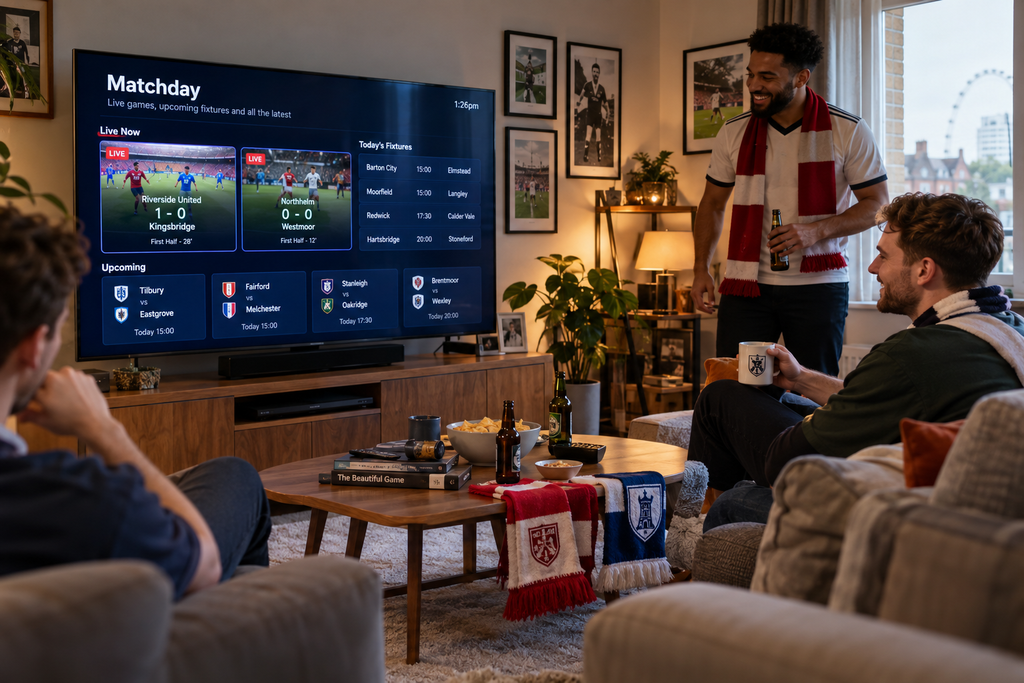
premier league iptv begins with the fixture not the app
One mistake football viewers make is building everything around a particular app.
Start with the match instead.
Ask three questions:
- When is the fixture actually being played?
- Which authorised UK broadcaster is showing it?
- Which screen will you use to watch it?
This matters because Premier League fixtures are not completely fixed when the initial calendar is published. Matches can move because of UK broadcast selections and clubs’ involvement in domestic or European competitions. Recent 2026/27 amendments continue to move matches between Friday, Saturday, Sunday and Monday slots.
For an important game, check the current schedule rather than relying on an old screenshot saved months earlier.
Check the official Premier League website

What UK viewers can actually watch live
The current UK television arrangement is substantially broader than older Premier League broadcast deals.
Sky Sports holds four live packages and shows at least 215 matches per season. TNT Sports holds another package covering 52 live matches. BBC Sport holds the free-to-air highlights package. Premier League
The current arrangement means at least 267 matches outside the traditional Saturday 15:00 closed period are available for live UK broadcast. Premier League
| UK option | Premier League role |
|---|---|
| Sky Sports | Minimum 215 live matches per season |
| TNT Sports | 52 live matches per season |
| BBC Sport | Free-to-air highlights |
| BBC and talkSPORT | Live radio rights across designated packages |
This is useful information when evaluating any football-focused television setup.
If an unknown service claims that it legally provides absolutely every Premier League match live in Britain, including content unavailable under normal UK broadcast arrangements, that deserves scrutiny.
IPTV describes the delivery technology. It does not create broadcasting rights.
Design your TV around matchday
A football fan’s television should behave differently from a generic entertainment screen.
The apps and channels you use every week should be close.
The things you rarely use can stay deeper in the menu.
If your Smart TV allows you to rearrange applications, place your legitimate sports services near the front of the home screen.
If your IPTV player supports favourites and you use it for authorised content, create a compact football or sports group.
Do not add every sports channel you can find.
Add the ones you actually watch.
The goal is to make the route from TV on to match playing as short as possible.
Run the five click test
Here is a surprisingly useful way to judge your setup.
Turn off the television.
Now imagine your club is about to kick off.
Turn the TV on and count how many meaningful actions are required before you reach the broadcast.
If you are navigating through endless menus, switching inputs twice, searching through hundreds of channels and typing into a slow on-screen keyboard, the setup needs simplification.
A good football system should feel predictable.
You should almost be able to reach the match from muscle memory.
Smart TV or streaming box for Premier League football
There is no rule saying football fans need a separate streaming box.
Modern Smart TVs can offer an excellent experience when they support the applications you need and the interface remains responsive.
Start with the television you already own.
Keep the Smart TV when
The apps launch quickly, navigation is smooth, live video plays reliably and the TV still receives the software support you need.
Adding another device in this situation may only create another remote and another HDMI input.
Consider an external device when
The television display still looks excellent but the Smart platform has become noticeably slow.
This is common with older televisions.
The screen itself can age very well while the processor and software environment begin to feel outdated.
A compatible Android TV, Google TV or other streaming device can modernise the software side without requiring a new television.
Football has its own picture quality test
Do not evaluate sports video using a paused frame.
Football is about motion.
Look at the pitch when the camera moves quickly from one end to the other.
Watch the outline of players during a counterattack.
Look at the ball during a long pass.
Check the crowd in the background during rapid camera movement.
Compression problems that are almost invisible during a studio interview can become obvious during football.
This is why a simple resolution badge tells only part of the story.
Full HD can beat bad 4K
It sounds strange until you see it.
One stream says 4K but repeatedly stutters.
Another is high-quality Full HD and runs smoothly for the entire match.
Which one would you choose during a title-deciding game?
Probably the stable one.
4K can be excellent when the authorised source, device, display and network all support it properly.
But resolution should be the final upgrade, not the foundation of the setup.
Start with reliability.
Then increase quality.
Your internet speed test may be testing the wrong room
You have fast broadband.
Your phone reports excellent speeds.
Yet the television occasionally buffers.
Before blaming the football stream, look at where you performed the test.
If the phone was beside the router while the TV sits behind two walls, you tested two different network environments.
For IPTV and other streaming services, test connectivity where the actual viewing device is located.
That gives you a much more useful result.
Matchday network pressure is different
Another common mistake is testing at the wrong time.
At 11:00 in the morning, the television may be the only demanding device on the network.
At 20:00, the situation can look completely different.
Someone may be watching another stream upstairs.
A laptop could be downloading files.
A games console might be updating.
Several phones and tablets may be active.
That is why your most useful network test happens during the hours when you normally watch football.
Ethernet is boring and that is sometimes perfect
WiFi gives you flexibility.
Ethernet gives a stationary device a direct wired connection.
For a main television that never moves, Ethernet can be useful when the router or a network point is nearby.
It removes wireless signal strength and interference from the equation.
That does not mean WiFi is unsuitable for Premier League streaming.
A strong modern WiFi connection can perform extremely well.
Use Ethernet when it solves a real problem, not because somebody says every IPTV television must have a cable.
Turn the EPG into your football dashboard
A well-populated Electronic Programme Guide can be much more useful than a giant channel list.
You can see what is playing now.
You can see what follows.
You can move between sports broadcasts without opening each channel individually.
But the EPG should not replace official fixture information.
Premier League schedules can change. For example, November 2026 fixtures were recently amended for UK television selections and UEFA competition commitments.
For a major match, confirm the latest date and kick-off time before making plans.
Build a sixty second pre match check
You do not need a technical checklist worthy of a television studio.
About ten minutes before kick-off:
- turn on the main screen
- confirm the internet connection
- open the authorised service
- locate the correct fixture
- start the broadcast
- check picture and sound
- put the remote somewhere sensible
That final point sounds like a joke until someone loses the remote between the sofa cushions while the volume is blasting during the adverts.
A tiny amount of preparation removes a lot of matchday frustration.
STOP BUFFERING TODAY!
Enjoy ultra-fast, stable streaming with HD, Full HD, and 4K quality on all your favourite devices.
Audio matters more during football than you think
Football atmosphere depends heavily on sound.
Commentary needs to be clear.
Crowd noise should feel natural.
Most importantly, audio and video need to remain synchronised.
If you use a soundbar, AV receiver or wireless audio device, test it before a major game.
If you notice delay, temporarily switch to the TV’s internal speakers.
If the sync problem disappears, the external audio chain may need adjustment.
This quick comparison can save you from changing unrelated streaming settings.
One football fan and one household are different problems
Imagine a Saturday evening.
You want football on the main television.
Someone else wants a film in another room.
A third person opens content on a tablet.
Now simultaneous viewing matters.
Do not confuse the number of devices on which an app can be installed with the number of streams an account permits at the same time.
Before choosing any television or streaming package, think about how many people genuinely watch different things simultaneously.
For one viewer, a simple setup may be enough.
For a busy household, connection limits become much more important.
Use a match as a stability test
A football match is approximately two hours once you include half-time and surrounding coverage.
That makes it a far better stability test than opening a stream for thirty seconds.
During normal viewing, pay attention to patterns.
Does playback remain stable?
Does the picture degrade at certain moments?
Does the problem happen only on one source?
Does another mainstream streaming application have the same issue?
Patterns help locate problems.
When buffering appears do not destroy the setup
One freeze happens and suddenly people restart the router, change DNS, reinstall the app, reboot the television and switch WiFi networks.
If the problem disappears, they have no idea what fixed it.
Use a simple diagnostic sequence instead.
Try another stream first.
Then test another mainstream streaming service on the same device.
If everything struggles, investigate the local network or internet connection.
If other services are perfect, focus on the affected source or application.
Restart only what is necessary.
Change one variable at a time.
That gives you information instead of chaos.
Premier League IPTV on Android TV
Android TV and Google TV devices can be particularly useful for viewers who prefer a flexible streaming environment.
They can extend the life of an older television, provide access to compatible applications and often offer faster navigation than ageing built-in Smart TV software.
But hardware quality varies.
Do not buy a random box simply because the product page says 4K.
Look for reliable software support, sufficient performance and compatibility with the legitimate applications you intend to use.
A good streaming device should disappear into the experience.
You should be watching Arsenal, Liverpool, Manchester City, Manchester United, Chelsea or your own club — not thinking about the processor inside the box.
Do not buy around channel numbers
This is where football IPTV marketing often becomes silly.
A provider might advertise 20,000 channels.
Another advertises 30,000.
Another claims 50,000.
For a Premier League viewer, the more useful question is:
Does the service legitimately provide the television content I actually want to watch and does it work well on my devices?
Twenty thousand irrelevant channels do not improve Saturday evening.
Relevant content, good organisation, reliable playback and useful support do.
The best trial is based on your habits
When a legitimate service provides a trial or short-term option, do not spend the test randomly opening channels.
Recreate your real viewing behaviour.
Watch live television during your normal evening hours.
Use the device you intend to keep.
Test the programme guide.
Try your preferred picture quality.
If the service includes VOD, open a film and test subtitles.
If your household uses several screens, investigate the simultaneous-connection rules.
A realistic test gives you information you can actually use when deciding whether to subscribe.
Is premier league iptv legal in the UK
IPTV technology itself is legitimate. Internet Protocol television is simply a method of delivering television content over IP networks.
The legal question concerns the rights to the content being distributed.
For the current UK Premier League rights cycle, Sky Sports and TNT Sports hold the live television packages, while BBC Sport has the free-to-air highlights package. The agreements run through 2028/29. Premier League
Use services authorised to distribute the content you want in the UK.
A stream being technically accessible does not establish that the provider has permission to redistribute it.
For background on the underlying technology, see Internet Protocol television on Wikipedia.
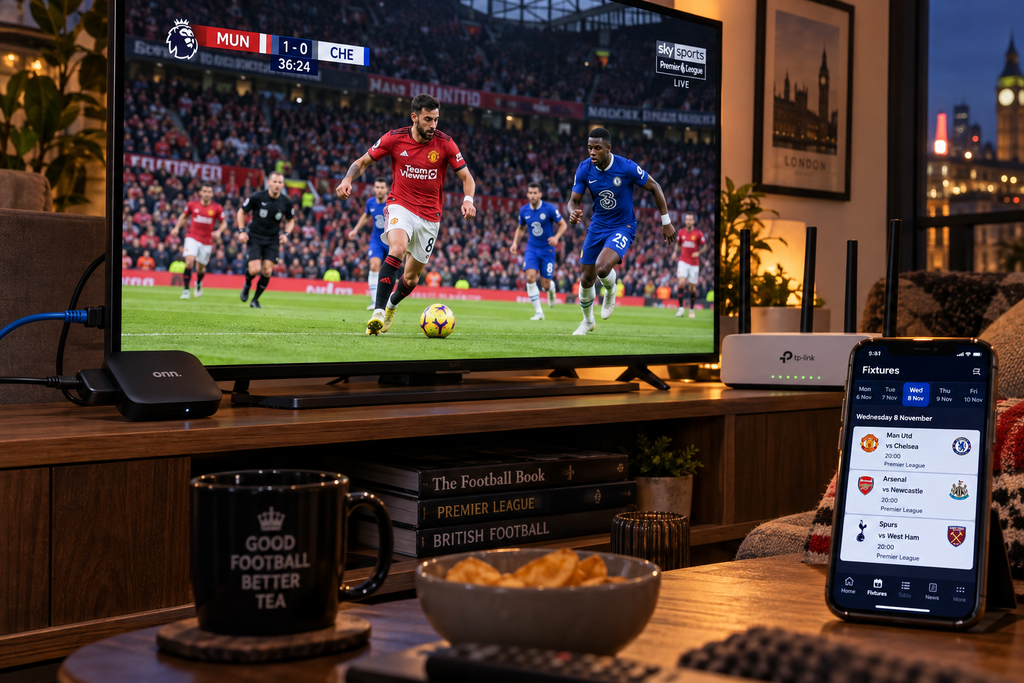
What a great Premier League setup should feel like
The best result is surprisingly uneventful.
You turn on the television.
The sports service is easy to reach.
You already know the fixture time.
The stream begins.
Movement looks smooth.
Audio is synchronised.
The network stays out of your way.
At half-time you are thinking about the score, not your router.
That is the standard worth chasing.
A good premier league iptv setup is not impressive because it contains the most technology.
It is impressive because the technology stops demanding your attention.
Turn your TV into a better matchday setup
Premier League viewing should be about the football rather than fighting with the television.
Build your setup around the screen you actually use, keep important services easy to reach, test the connection during real evening conditions and choose your subscription according to the devices and viewing habits in your household.
For viewers looking to build a broader UK IPTV setup, explore IPTV British and compare the available subscription options.
Explore IPTV British subscription plans
What is premier league iptv
The term generally refers to watching Premier League-related television through IPTV or internet-based streaming technology. UK viewers should use services authorised to distribute the relevant Premier League broadcasts.
Who shows Premier League matches in the UK in 2026
Sky Sports and TNT Sports hold the live UK Premier League television rights under the current four-year agreement. Sky Sports has a minimum of 215 live matches per season and TNT Sports has 52.
Can I watch every Premier League match live in the UK
Not every match is available as a live UK television broadcast. Under the current arrangement, at least 267 matches outside the traditional Saturday 15:00 closed period are broadcast live.
Is 4K necessary for Premier League football
No. A stable high-quality Full HD broadcast can provide an excellent experience. 4K becomes valuable when the authorised source, television, streaming device and network can sustain it reliably.
Is Smart TV or Android TV better for football
Either can work well. Use the Smart TV directly when its applications are fast and supported. An external Android TV or Google TV device can be useful when an older television has slow or limited Smart software.
Why does football buffer when my internet is fast
Fast broadband does not guarantee strong WiFi at the television. Local wireless coverage, household network traffic, device performance and the streaming source can all influence playback.