UK Smart TV IPTV app searches have increased rapidly as more viewers move from traditional broadcasting to flexible streaming. Modern households want simple installation, fast channel loading, sports access, movie libraries, and smooth playback directly on Smart TVs.
Instead of using separate receivers, many users now prefer dedicated IPTV applications installed directly on Samsung, LG, Android TV, TCL, and other smart televisions.
This guide explains how UK users choose IPTV apps, which devices work best, setup methods, and what features actually matter before starting.
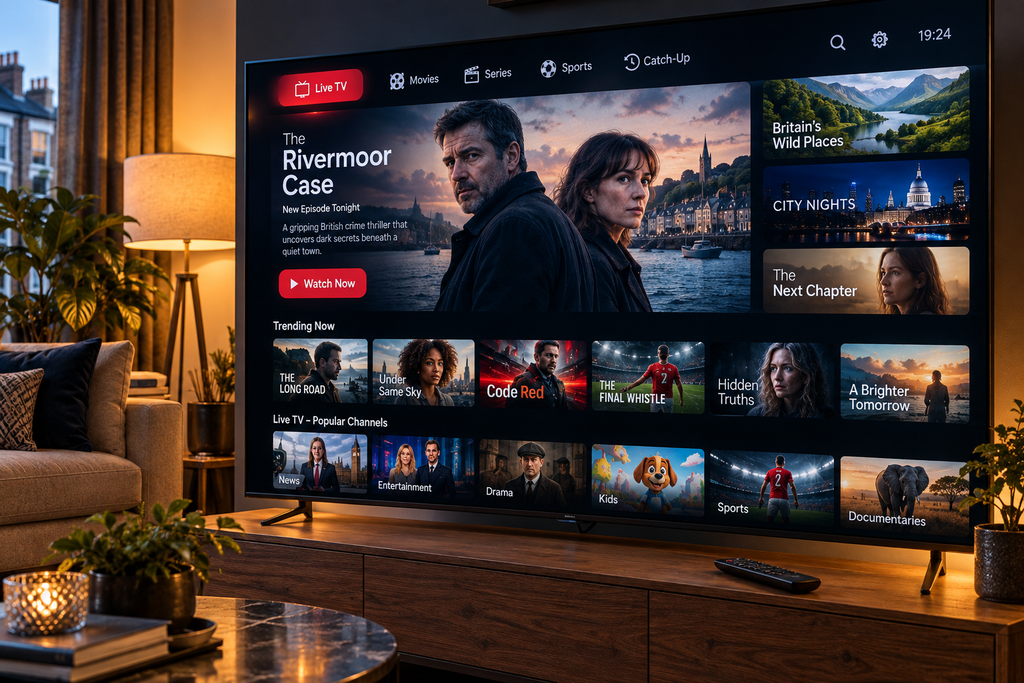
Why UK Smart TV IPTV App Searches Keep Growing
The UK entertainment market has changed.
Viewers want:
- Fewer cables
- Better control
- HD streaming
- Large screens
- Easy installation
- Multi-room viewing
A UK Smart TV IPTV app allows users to access channels and entertainment directly from television without extra hardware in many cases.
Main benefits
| Feature | Traditional Setup | Smart TV IPTV App |
|---|---|---|
| Extra receiver needed | Usually | Often no |
| Smart navigation | Limited | Yes |
| Multi-screen support | Basic | Advanced |
| App installation | No | Yes |
| Modern interface | Average | Better |

Best TVs for UK Smart TV IPTV App Installation
Different brands support IPTV differently.
Samsung Smart TV
Samsung remains extremely popular in Britain.
Advantages:
- Large app ecosystem
- Smooth interface
- Strong image quality
- Easy remote navigation
Best for:
- Family rooms
- Sports fans
- Cinema viewing
LG Smart TV
LG televisions provide:
- Fast menus
- Stable playback
- Good compatibility
- WebOS optimisation
Popular among movie lovers.
Android TV Models
Examples include:
- Sony
- TCL
- Philips
- Xiaomi devices
Benefits:
✔ More apps
✔ Flexible installation
✔ Wider compatibility
✔ Better customisation
Essential Features in a UK Smart TV IPTV App
Many users only look at channel numbers.
That is a mistake.
Better priorities include:
EPG Support
Electronic programme guides help users:
- Find matches
- Browse films
- Organise viewing schedules
Favourites System
Useful for:
- Sports lists
- Kids channels
- UK entertainment groups
Search Function
Large libraries become easier to navigate.
Multi-Format Support
Good apps usually support:
- Playlist imports
- URL loading
- Login systems
- Category management
Step-by-Step UK Smart TV IPTV App Setup
Step 1: Open TV App Store
Go to:
- Samsung Store
- LG Content Store
- Google Play (Android TV)
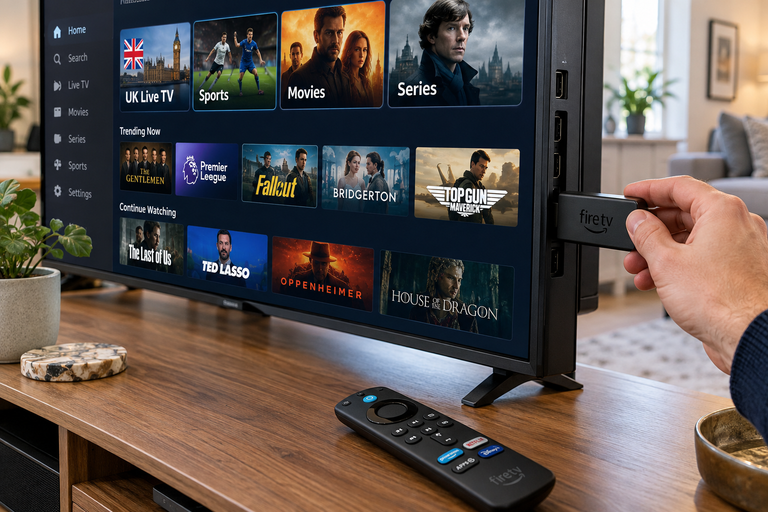
Step 2: Install IPTV Player
Choose compatible software.
Look for:
- Good reviews
- Stable updates
- Clean interface
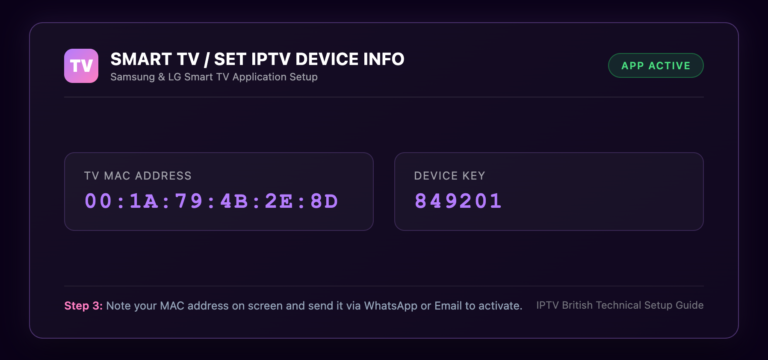
Step 3: Add Streaming Information
Common methods:
- Playlist URL
- Login credentials
- Local files
Step 4: Organise Categories
Create folders such as:
- Football
- Movies
- Kids
- Documentaries
- Entertainment
Step 5: Test Playback
Check:
- Loading speed
- HD quality
- Audio sync
- Channel switching
STOP BUFFERING TODAY!
Enjoy ultra-fast, stable streaming with HD, Full HD, and 4K quality on all your favourite devices.
Sports Experience on Smart TVs
Large screens make sports viewing better.
UK audiences often watch:
Football
- Premier League
- Champions League
- FA Cup
- EFL competitions
Additional Sports
- Rugby
- Cricket
- Boxing
- UFC
- Tennis
- Racing
Sports users normally prefer:
| Feature | Importance |
|---|---|
| HD quality | High |
| Fast switching | High |
| Replay support | Medium |
| Match guide | High |
| Stable playback | Critical |
Movie Streaming with UK Smart TV IPTV App
Sports attract users first.
Movies keep them watching.
Popular categories:
Action Collections
High-demand content for evening sessions.
Family Entertainment
Includes:
- Kids content
- Educational channels
- Cartoons
Cinema Libraries
Common genres:
- Comedy
- Horror
- Sci-Fi
- Adventure
- Drama
TV Series
Many viewers prefer:
- Episode marathons
- Weekend viewing
- On-demand sessions
Internet Requirements for Better Results
Performance depends heavily on connection quality.
Recommended Speeds
| Resolution | Suggested Internet |
|---|---|
| SD | 10 Mbps |
| HD | 20 Mbps |
| Full HD | 30 Mbps |
| 4K | 50 Mbps+ |
Improve Stability
- Use Ethernet cable when possible
- Reduce Wi-Fi distance
- Restart router weekly
- Close unused applications
- Keep software updated
These simple changes reduce buffering.
Common Mistakes Users Make
Installing Random Apps
Always choose updated software.
Ignoring TV Compatibility
Not every player works equally.
Weak Internet Setup
Signal quality affects streaming.
No Trial Testing
Testing first saves time.
Overloading Categories
Organised layouts improve navigation.
Future of Smart TV IPTV Apps in Britain
Streaming technology keeps evolving.
Upcoming trends include:
- Faster interfaces
- Better 4K playback
- Voice control
- Improved recommendations
- Enhanced sports integration
Smart televisions are becoming entertainment hubs rather than simple displays.
Final Thoughts
A UK Smart TV IPTV app can completely change how British viewers watch television. Sports, movies, family channels, documentaries, and live entertainment become easier to access on modern televisions.
Choosing the right TV, stable internet, and organised setup creates a much better experience than simply chasing large channel numbers.
Testing before subscribing remains one of the smartest ways to compare quality.
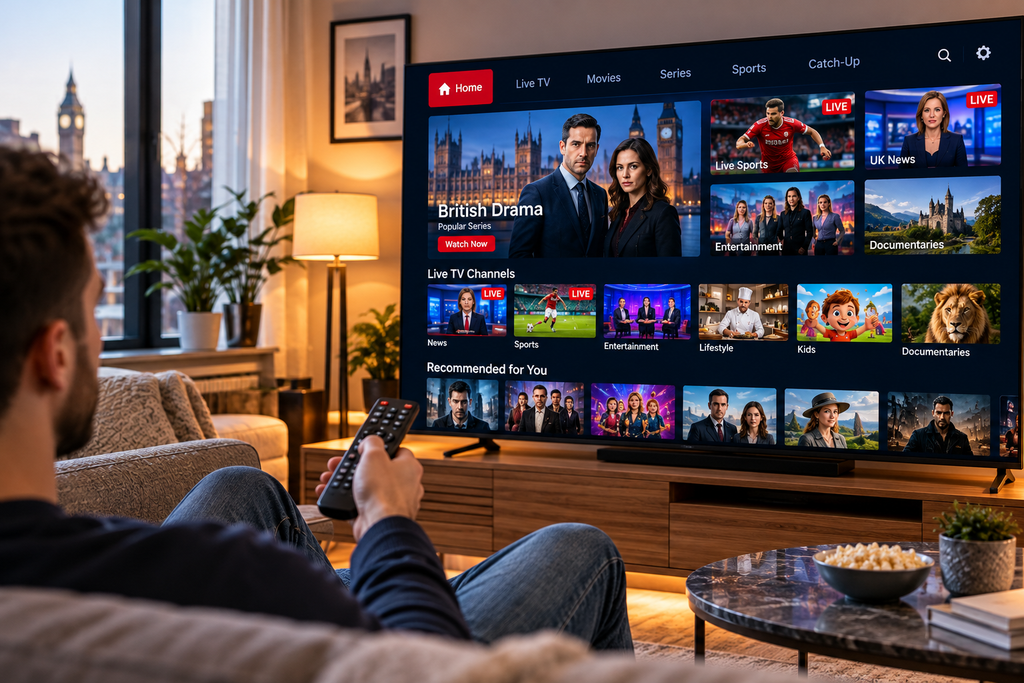
CTA
Ready to stream on your Smart TV?
Visit iptvbritish.com and discover viewing solutions built for Samsung, LG, Android TV, sports fans, and modern UK households.
External Resource
- Learn [What is IPTV?]
1. What is a UK Smart TV IPTV app?
It is an application installed directly on Smart TVs for streaming television content.
2. Does it work on Samsung TVs?
Yes. Samsung Smart TVs support many IPTV applications.
3. Can I use it on LG televisions?
Absolutely. LG WebOS devices are commonly used.
4. Do I need extra hardware?
Many users stream directly from the TV without additional boxes.
5. Is Android TV compatible?
Yes. Android TV models usually support multiple IPTV apps.
6. What internet speed is best?
HD generally works well from 20 Mbps while 4K benefits from faster connections.