Setting up IPTV for the first time can feel confusing, especially when you’re faced with different apps, login methods, devices, and streaming settings. The good news is that most users can complete the entire process in less than ten minutes.
This UK IPTV setup guide explains everything you need to know, from choosing the right device to configuring IPTV apps and optimizing streaming quality. Whether you’re using a Samsung Smart TV, LG TV, Firestick, Android TV Box, Chromecast, or smartphone, this guide will help you get started quickly.
If you’ve recently purchased an IPTV subscription or are planning to try one, follow the steps below to achieve a smooth and reliable setup.
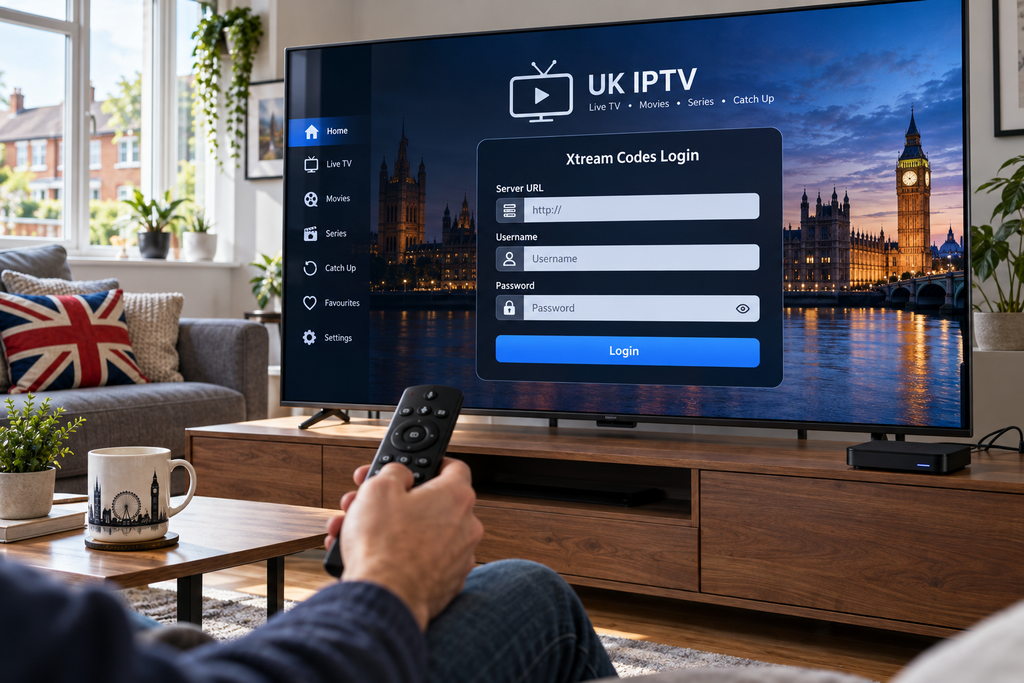
IPTV Growing Rapidly in the UK
More UK households are moving away from traditional viewing habits and adopting internet-based television services.
The reasons are simple:
- Greater flexibility
- Access across multiple devices
- Live channels and on-demand content
- Easy installation
- HD, Full HD, and 4K streaming support
- No satellite equipment required
Today’s IPTV services are designed for modern viewers who want entertainment available whenever and wherever they choose.

What You’ll Need Before Starting
Before following this UK IPTV setup guide, ensure you have the following:
| Requirement | Recommendation |
|---|---|
| Internet Connection | 30 Mbps or faster |
| IPTV Subscription | Active account |
| IPTV App | IPTV Smarters, TiviMate, XCIPTV |
| Device | Smart TV, Firestick, Android TV |
| Router | Dual-band Wi-Fi preferred |
Having these essentials ready will make installation much easier.
Step 1: Choose the Right IPTV Device
Not all streaming devices provide the same experience.
Popular options in the UK include:
Smart TVs
Ideal for users who want a simple setup without additional hardware.
Amazon Firestick
One of the most popular IPTV devices because it’s affordable, portable, and easy to use.
Android TV Boxes
Perfect for advanced users who want customization and extra features.
Smartphones & Tablets
Useful for watching live TV while travelling or away from home.
Step 2: Install an IPTV Application
A subscription alone won’t display channels. You’ll need an IPTV player.
Popular IPTV apps include:
- IPTV Smarters Pro
- TiviMate
- XCIPTV
- Smart IPTV
- SmartOne IPTV
- Flix IPTV
Most apps are available directly through official app stores.
Choose one that matches your device.
UK IPTV Setup Guide for Smart TVs
Smart TVs remain one of the easiest ways to enjoy IPTV.
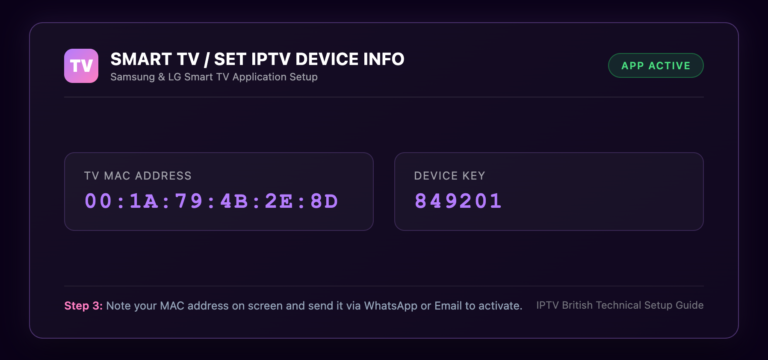
Samsung Smart TVs
- Open the app store
- Search for an IPTV player
- Install the application
- Open the app
- Add IPTV credentials
LG Smart TVs
The process is nearly identical:
- Access LG Content Store
- Install an IPTV app
- Enter subscription details
- Load channels
Within minutes, you’ll have access to live TV and on-demand content.
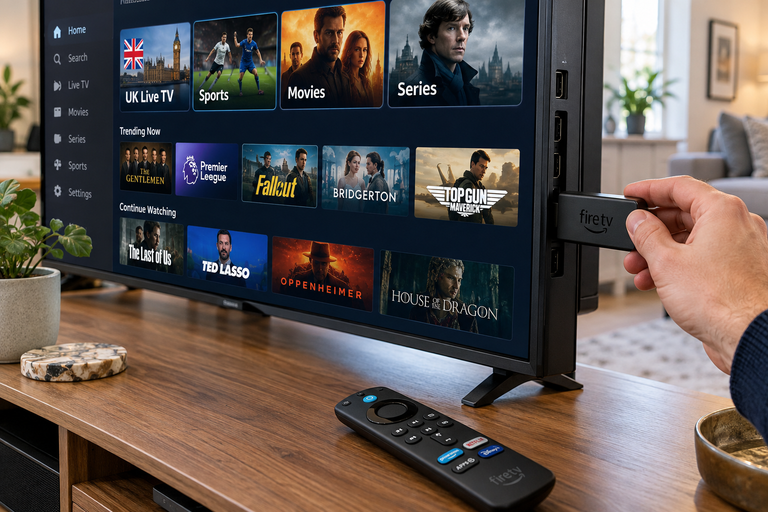
UK IPTV Setup Guide for Firestick
Firestick users represent a large percentage of IPTV viewers in Britain.
Install the IPTV Player
Common installation methods include:
- Downloader App
- Amazon App Store
- Direct APK installation
Add Subscription Details
Most providers supply:
- Username
- Password
- Server URL
After entering these details, your playlists and channel categories should load automatically.
Setting Up IPTV on Android TV
Android TV offers maximum flexibility.
Installation Process
- Open Google Play Store
- Search for IPTV player
- Install app
- Launch application
- Add IPTV credentials
- Load channels
The process usually takes less than five minutes.
Understanding IPTV Login Methods
Many users become confused when they see multiple login options.
Xtream Codes Login
The easiest and most popular method.
You’ll receive:
- Username
- Password
- Server URL
M3U Playlist URL
A direct playlist link that imports channels automatically.
Portal Login
Used by specific IPTV applications.
Most beginners should choose Xtream Codes whenever available.
STOP BUFFERING TODAY!
Enjoy ultra-fast, stable streaming with HD, Full HD, and 4K quality on all your favourite devices.
How to Improve Streaming Performance
A successful setup doesn’t guarantee perfect streaming.
Follow these tips:
Use Ethernet Instead of Wi-Fi
Whenever possible, connect directly to your router.
Benefits include:
- Lower latency
- Greater stability
- Reduced buffering
Upgrade Your Internet Speed
Recommended speeds:
| Quality | Speed |
| HD | 15 Mbps |
| Full HD | 25 Mbps |
| 4K | 50 Mbps |
Keep Apps Updated
Updates improve:
- Performance
- Security
- Compatibility
Common IPTV Setup Mistakes
Many streaming issues result from small errors.
Incorrect Credentials
Always verify:
- Username
- Password
- Server URL
Weak Internet Connection
A slow connection remains one of the biggest causes of buffering.
Outdated IPTV Apps
Older app versions can create compatibility problems.
Overloaded Devices
Close unnecessary apps running in the background.
Features Every IPTV User Should Enable
Modern IPTV apps offer useful features that many people ignore.
Electronic Program Guide (EPG)
Provides:
- Channel schedules
- Upcoming programmes
- Easy navigation
Favorites Lists
Allows quick access to frequently watched channels.
Catch-Up TV
Lets you watch previously aired programmes.
Multi-Screen Viewing
Available on some IPTV players for sports fans.
Security and Privacy Considerations
Whenever you stream online, basic security practices are recommended.
Helpful habits include:
- Using strong passwords
- Updating apps regularly
- Installing software from trusted sources
- Securing your home network
A secure setup helps maintain consistent performance and reliability.
Final Thoughts
This UK IPTV setup guide demonstrates that IPTV installation is much simpler than many people expect. With a compatible device, reliable internet connection, and the right IPTV application, you can begin streaming live television, movies, sports, and entertainment channels within minutes.
Whether you’re using a Smart TV, Firestick, Android TV box, tablet, or smartphone, following the steps above will help you create a smoother and more enjoyable viewing experience.
The key is choosing quality services, using modern IPTV apps, and ensuring your internet connection can support high-definition streaming.
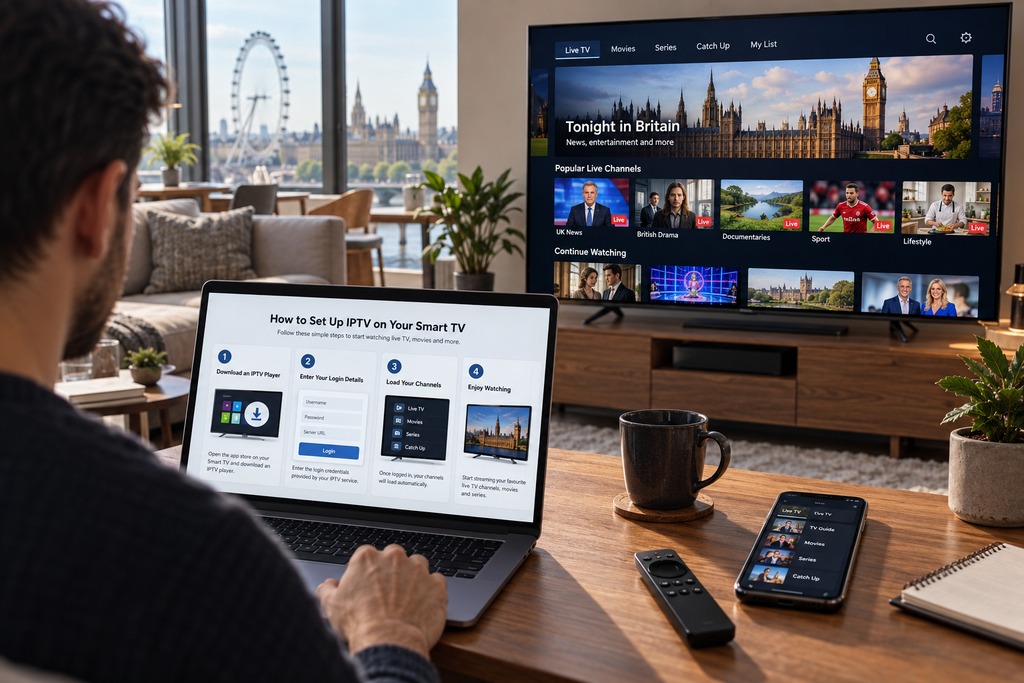
Ready to Start Streaming?
Discover a better way to enjoy live television, premium entertainment, sports coverage, and on-demand content across all your favourite devices.
Get started today and experience why IPTV continues to grow across the UK.
Helpful Resources
👉 Learn More About Our Service
👉 Explore Available Plans
👉 Read More About Streaming Technology
What is the easiest IPTV device for beginners?
Firestick and Smart TVs are generally the easiest devices for first-time IPTV users.
Which IPTV app should I install?
IPTV Smarters Pro is a popular choice for beginners, while TiviMate is often preferred by advanced users.
How long does IPTV setup take?
Most installations take between 5 and 10 minutes.
Can I use IPTV on multiple devices?
Many providers support multiple devices depending on the selected plan.
What internet speed is recommended?
At least 30 Mbps is recommended for stable HD streaming, while 50 Mbps or higher is ideal for 4K content.
Why does IPTV buffer sometimes?
Buffering may occur because of slow internet speeds, network congestion, outdated apps, or device limitations.