Smart IPTV has become one of the most recognised IPTV applications for people who want a clean, reliable, and easy way to watch live television over the internet. Instead of managing complicated software, users can quickly upload their IPTV playlist, activate the application, and start enjoying live TV, sports, movies, and TV series on compatible Smart TVs.
If you have recently purchased an IPTV subscription and are wondering whether Smart IPTV is the right application for your television, this guide explains everything you need to know. We’ll cover installation, activation, supported devices, playlist management, useful settings, common issues, and tips to get the best viewing experience.
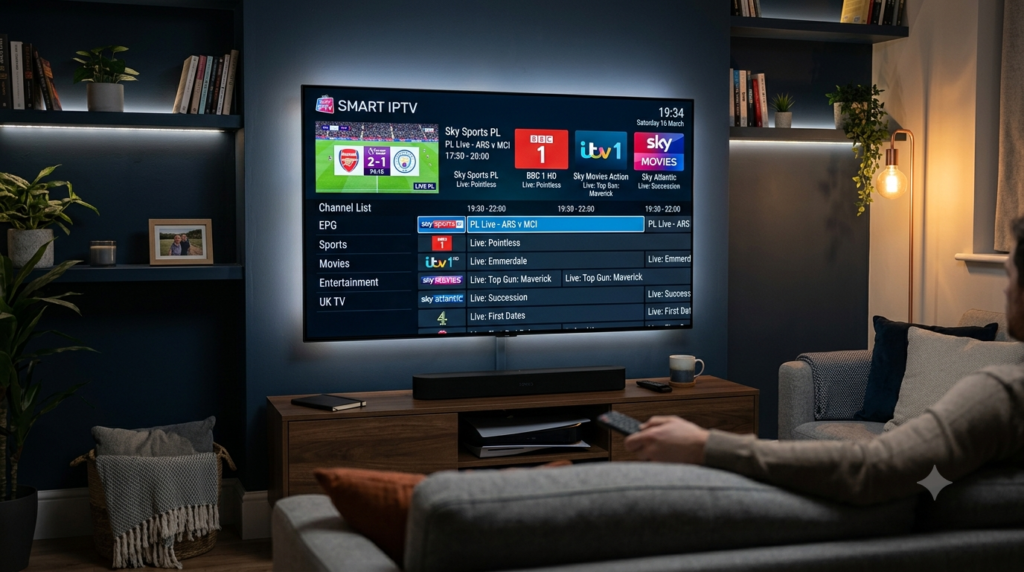
Why Smart IPTV Is Still Popular
Even with many newer IPTV applications available, Smart IPTV remains a favourite because of its simplicity. Rather than adding unnecessary features, it focuses on delivering a stable viewing experience with an interface that is easy to navigate.
Many UK users appreciate Smart IPTV because it:
- Loads playlists quickly
- Organises channels automatically
- Supports large IPTV libraries
- Works smoothly on compatible Smart TVs
- Offers a simple and clean interface
- Makes channel browsing fast and convenient
For users who mainly watch television on a large screen, Smart IPTV continues to be a dependable solution.
What Can You Watch with Smart IPTV?
After connecting your IPTV subscription, Smart IPTV can display a wide variety of content provided by your IPTV service.
Typical categories include:
| Content Type | Available |
|---|---|
| Live TV | ✅ |
| Sports | ✅ |
| Movies | ✅ |
| TV Series | ✅ |
| Kids Channels | ✅ |
| News | ✅ |
| International Channels | ✅ |
| Video on Demand | ✅ |
The available content depends entirely on your IPTV provider rather than the application itself.
Devices Compatible with Smart IPTV
Smart IPTV was originally developed with Smart TVs in mind, making it especially popular among users who prefer streaming without external devices.
Compatible platforms commonly include:
- Samsung Smart TV
- LG Smart TV
- Android TV
- Google TV
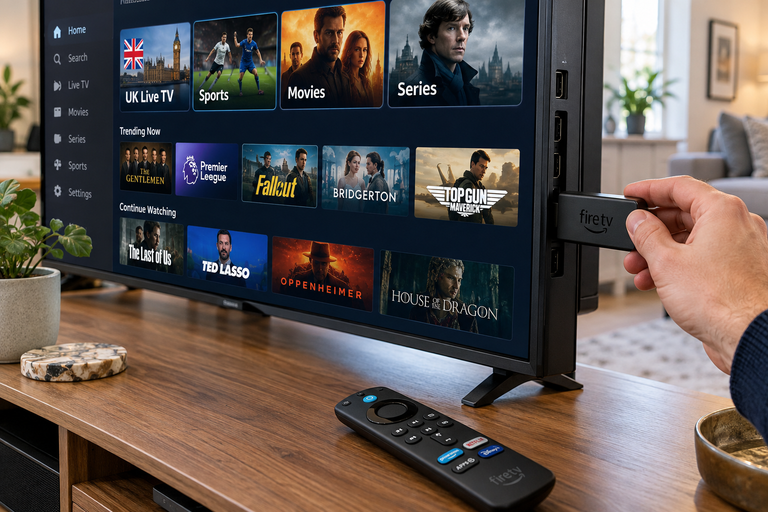
- Amazon Fire TV Stick (through alternative installation methods)
- Android TV Box
Many users combine Smart IPTV with premium IPTV subscriptions to create a complete home entertainment system without requiring traditional cable television.
Installing Smart IPTV
Installation is straightforward if your television supports the application.
Step 1 – Download the Application
Install Smart IPTV from the available application store for your compatible device or follow the installation method recommended for your platform.
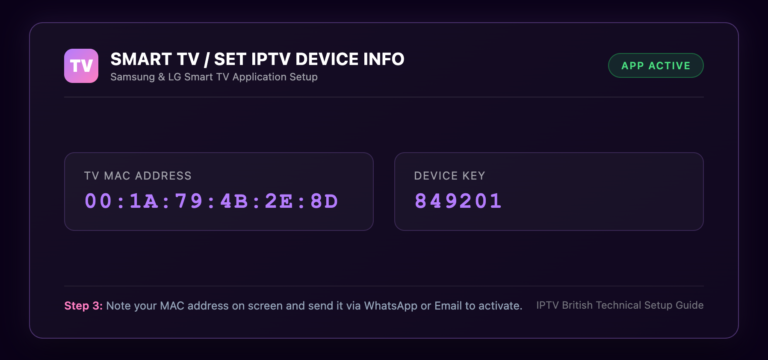
Step 2 – Find Your MAC Address
After opening the application for the first time, a unique MAC address will appear on your screen.
This address is important because it links your television to your IPTV playlist.
Step 3 – Upload Your Playlist
Most IPTV providers supply either:
- M3U Playlist URL
- M3U File
- Xtream Codes information (which can often be converted when required)
Upload your playlist using the method supported by Smart IPTV.
Step 4 – Restart the Application
Once the playlist has been uploaded successfully, restart Smart IPTV. Your channels, categories, movies, and TV series should appear automatically.
Understanding the Activation Process
Unlike many IPTV applications, Smart IPTV generally requires a one-time activation after its trial period.
The activation belongs to the application itself—not your IPTV subscription.
This means:
- Your IPTV provider supplies the streaming service.
- Smart IPTV provides the software.
- The activation fee is paid only for using the application.
Many new users confuse the application licence with the IPTV subscription, but they are two completely separate services.
Best Settings for Smooth Streaming
A few simple adjustments can noticeably improve performance.
Consider the following recommendations:
- Keep playlists updated.
- Restart the application occasionally.
- Refresh playlists after receiving provider updates.
- Use wired internet whenever possible.
- Organise favourite channels.
- Remove unused playlists.
- Keep your television software updated.
These small optimisations help deliver a faster and smoother viewing experience.
Common Smart IPTV Problems
Like any streaming application, Smart IPTV can occasionally experience issues. Fortunately, most of them are easy to solve.
Some common examples include:
| Problem | Possible Solution |
|---|---|
| Playlist not loading | Refresh playlist |
| Black screen | Restart application |
| Missing channels | Reload playlist |
| Buffering | Improve internet connection |
| Slow loading | Restart TV |
| EPG missing | Refresh provider data |
Most problems are related to playlist updates or internet quality rather than the application itself.
Advanced Tips for Getting the Most Out of Smart IPTV
Once Smart IPTV is installed and activated, a few best practices can significantly improve your viewing experience. While the application is designed to be simple, taking advantage of its features can make navigation faster and streaming more enjoyable.
Here are some practical tips:
- Use a high-speed fibre broadband connection.
- Connect your Smart TV via Ethernet whenever possible.
- Refresh your playlist regularly to receive channel updates.
- Restart the application after major playlist changes.
- Keep your TV firmware up to date.
- Organise frequently watched channels into favourites.
- Remove old or unused playlists to keep the app responsive.
These simple habits help maintain stable playback and minimise interruptions.
Smart IPTV vs Other IPTV Players
There are many IPTV players available today, each offering a different experience. Choosing the right one depends on your device and personal preferences.
| Feature | Smart IPTV | IPTV Smarters | TiviMate | IBO Player |
|---|---|---|---|---|
| Easy Setup | ✅ | ✅ | ✅ | ✅ |
| Smart TV Support | ⭐⭐⭐⭐⭐ | ⭐⭐⭐⭐ | ⭐⭐⭐ | ⭐⭐⭐⭐⭐ |
| Xtream Codes | Limited | ✅ | ✅ | ✅ |
| M3U Support | ✅ | ✅ | ✅ | ✅ |
| EPG Support | ✅ | ✅ | ✅ | ✅ |
| Modern Interface | ⭐⭐⭐⭐ | ⭐⭐⭐⭐⭐ | ⭐⭐⭐⭐⭐ | ⭐⭐⭐⭐ |
Smart IPTV remains an excellent choice for users who primarily stream on Samsung and LG Smart TVs, while applications like IPTV Smarters and TiviMate offer additional features for Android-based devices.
Is Smart IPTV the Right Choice?
Smart IPTV is ideal for users who want a straightforward IPTV player without unnecessary complexity. If your main goal is to watch live television, sports, movies, and TV series on a Smart TV, it delivers a reliable experience with minimal setup.
It is particularly suitable for:
- Families using Smart TVs as their main entertainment device.
- Sports fans who want quick access to live events.
- Users looking for a clean and easy-to-use interface.
- Anyone who prefers watching IPTV on a large screen rather than a mobile device.
Combined with a high-quality IPTV subscription, Smart IPTV provides an enjoyable viewing experience for everyday use.
Why Choose IPTV British?
At IPTVBritish.com, we provide a premium IPTV service that works seamlessly with Smart IPTV and many other popular IPTV applications.
Our service includes:
- Thousands of live TV channels
- Premium UK entertainment
- Live Premier League, Champions League, Formula 1, rugby, cricket, boxing, UFC, tennis, and more
- Extensive Video on Demand library
- Latest blockbuster movies
- Complete TV series collections
- HD, Full HD, and 4K streaming
- Fast activation
- Stable high-performance servers
- Multi-device compatibility
- Regular channel updates
- Responsive customer support
Whether you’re watching on a Samsung Smart TV, LG Smart TV, Android TV, or Fire TV Stick, IPTV British is designed to deliver a smooth and reliable streaming experience.
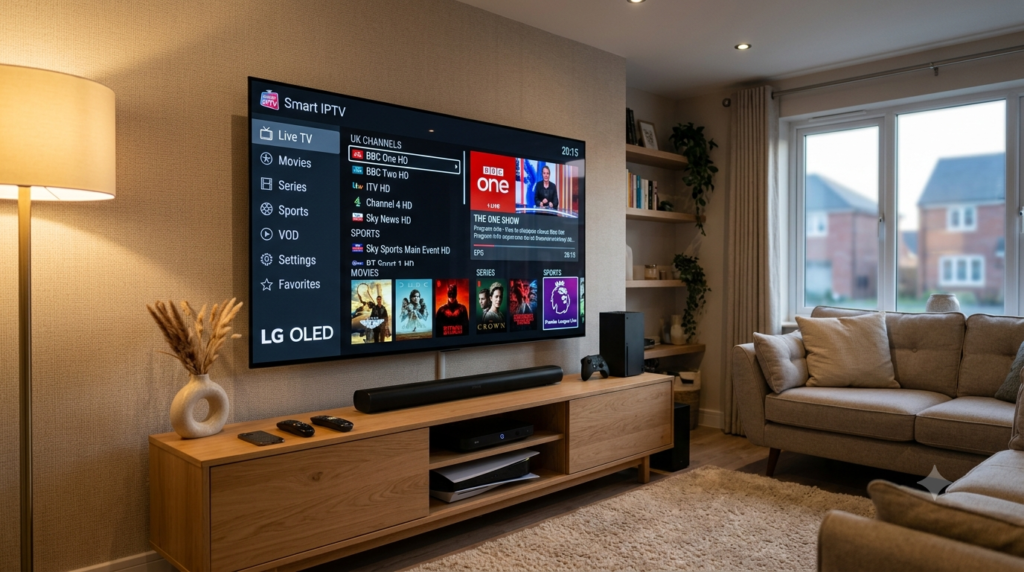
Helpful Resources
👉 Learn More About Our Service
👉 Explore Available Plans
👉 Read More About IPTV Technology
Conclusion
Smart IPTV continues to be one of the most trusted IPTV applications for users who value simplicity, stability, and excellent Smart TV compatibility. Its straightforward setup, clean interface, and reliable playlist management make it an ideal choice for anyone looking to enjoy live TV, sports, movies, TV series, and Video on Demand from a single application.
When paired with a premium subscription from IPTV British, Smart-IPTV becomes a powerful entertainment solution for UK viewers. With thousands of live channels, premium sports coverage, extensive on-demand content, and reliable servers, IPTV British helps you get the very best from your Smart-IPTV experience.
Start Streaming with IPTV British Today
Upgrade your home entertainment with IPTV British and experience premium live TV, blockbuster movies, TV series, live sports, and Video on Demand across all your favourite devices.
Start your free trial today or choose the subscription plan that suits your needs and discover why thousands of viewers across the United Kingdom trust IPTV British for premium IPTV streaming.
1. What is Smart-IPTV?
Smart-IPTV is an IPTV player that allows users to stream live TV, movies, TV series, and Video on Demand using playlists provided by an IPTV service.
2. Does Smart-IPTV include channels?
No. Smart-IPTV is only a media player. You need an active IPTV subscription to access television content.
3. Which devices support Smart-IPTV?
Smart-IPTV is widely used on Samsung Smart TVs, LG Smart TVs, Android TV, Google TV, Amazon Fire TV Stick, and Android TV Boxes.
4. Do I need to activate Smart-IPTV?
Yes. Smart-IPTV typically offers a trial period before requiring a one-time application activation.
5. Can Smart-IPTV stream in 4K?
Yes. When used with a compatible IPTV provider and a fast internet connection, Smart-IPTV supports HD, Full HD, and 4K Ultra HD streaming.
6. Why choose IPTV British?
IPTV British offers thousands of live TV channels, premium UK entertainment, sports, movies, TV series, Video on Demand, fast activation, stable servers, and excellent compatibility with Smart-IPTV.