If you’re searching for a modern, reliable, and feature-rich IPTV application, IPTV Smarters Player is one of the first names you’ll come across. Designed for users who want an organised and user-friendly streaming experience, it allows you to watch live TV, movies, TV series, and catch-up content through your IPTV subscription on almost any device.
Unlike traditional television platforms, IPTV Smarters Player gives users complete control over how they access and manage their entertainment. Whether you’re using a Smart TV, Fire TV Stick, Android TV, Windows PC, Mac, or smartphone, the application provides a clean interface, fast navigation, and excellent performance.
This guide explains everything UK users should know about IPTV Smarters Player, including its features, supported devices, setup process, advantages, and why it remains one of the most downloaded IPTV applications available today.
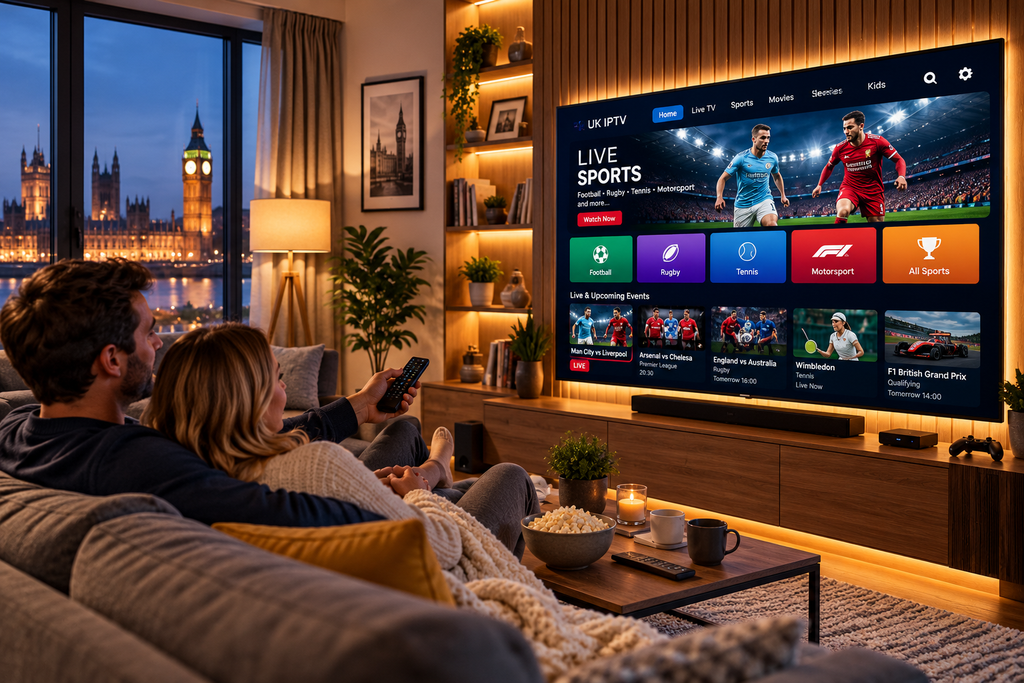
What Is IPTV Smarters Player?
IPTV Smarters Player is an IPTV media player that allows users to access television content provided by their IPTV service provider. The application itself doesn’t include television channels or subscriptions. Instead, it acts as a powerful media platform where users log in using the credentials supplied by their IPTV provider.
After logging in, users can access:
- Live TV channels
- Video on Demand (VOD)
- TV Series
- Catch-Up TV (if available)
- Electronic Programme Guide (EPG)
- Multi-screen viewing
- Favourite channels
- External media players
- Subtitle support
Its flexibility makes it suitable for beginners while offering enough advanced features for experienced IPTV users.
Why IPTV Smarters Player Has Become So Popular
Millions of IPTV users choose IPTV Smarters Player because it combines performance with simplicity. Instead of presenting complicated menus, the application focuses on easy navigation and quick access to entertainment.
Clean and Modern Interface
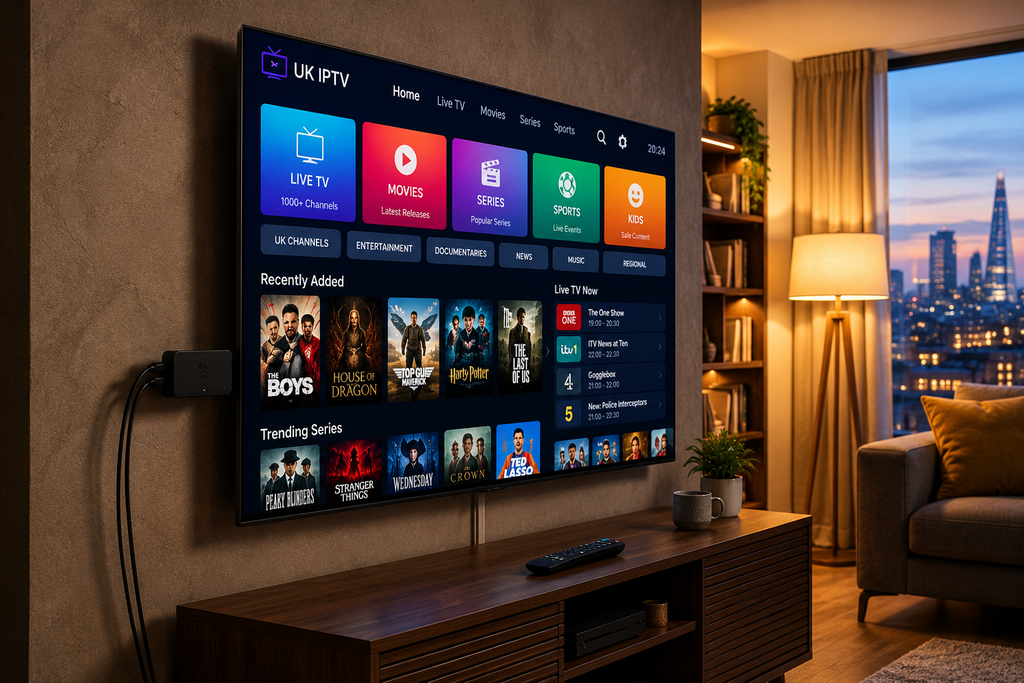
The dashboard is organised into clear categories including Live TV, Movies, Series, Catch-Up, and Settings, making navigation simple for every member of the family.
Excellent Streaming Performance
When paired with a reliable IPTV provider and a stable internet connection, channels load quickly and playback remains smooth even during popular live sporting events.
Regular Updates
The application continues to receive improvements that enhance compatibility, stability, and the overall user experience.
Easy Playlist Management
Users can easily manage multiple IPTV accounts, playlists, and login methods without unnecessary complexity.
Main Features of IPTV Smarters Player
One reason IPTV Smarters Player stands out is the number of features it offers.
| Feature | Benefit |
|---|---|
| Live TV | Stream thousands of television channels |
| Video on Demand | Access large movie libraries |
| TV Series | Organised season browsing |
| EPG Support | Easy programme schedules |
| Catch-Up TV | Replay supported broadcasts |
| Multi-Screen | Watch multiple channels simultaneously |
| External Player Support | Greater playback flexibility |
| Subtitle Support | Improved viewing experience |
| Multiple Playlists | Manage several IPTV subscriptions |
| Fast Navigation | Smooth and responsive interface |
These features make IPTV Smarters Player one of the most complete IPTV applications currently available.
Supported Devices
One of the application’s biggest strengths is its wide compatibility across modern devices.
You can install IPTV Smarters Player on:
- Samsung Smart TV
- LG Smart TV
- Android TV
- Google TV
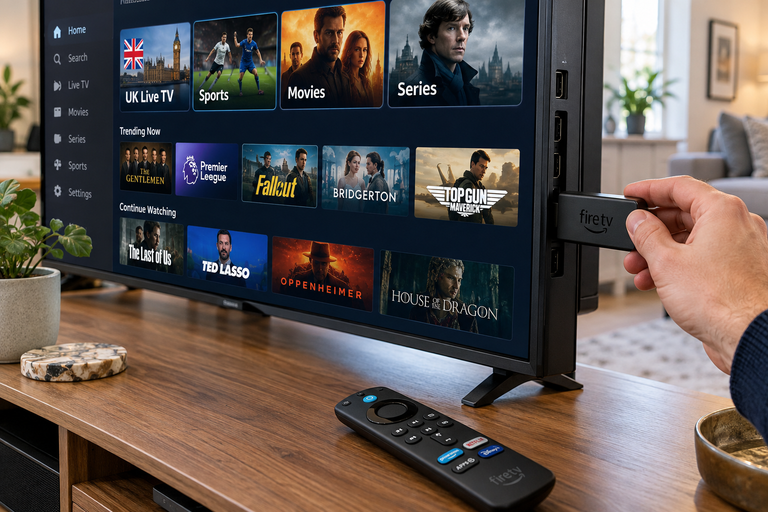
- Amazon Fire TV Stick
- Android TV Box
- Windows PC
- macOS
- Android smartphones
- iPhone
- iPad
This allows users to enjoy the same IPTV subscription across multiple devices without learning different applications.
How to Install IPTV Smarters Player
Setting up IPTV Smarters Player is quick and beginner-friendly.
Step 1
Install the application on your preferred device.
Step 2
Launch the app and accept the user agreement.
Step 3
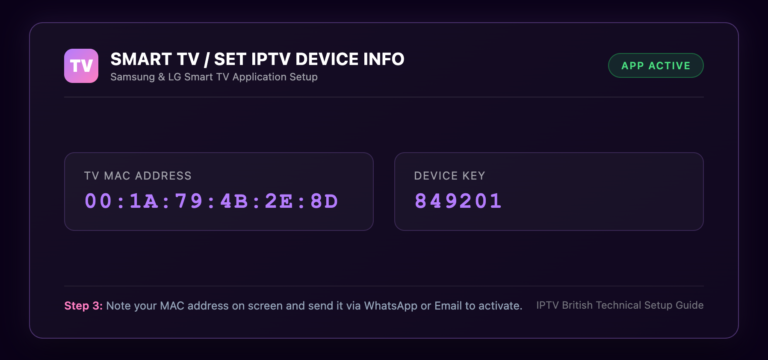
Choose your preferred login method.
Most IPTV providers offer:
- Xtream Codes Login
- M3U Playlist URL
- Local Playlist File
Step 4
Enter the login details supplied by your IPTV provider.
Step 5
Allow the application to load your channels, movies, TV series, and Electronic Programme Guide.
Within minutes, your entertainment library will be ready to stream.
IPTV Smarters Player vs Other IPTV Applications
There are many IPTV players available today, but IPTV Smarters Player remains one of the most balanced choices.
| Feature | IPTV Smarters Player | Standard IPTV App |
|---|---|---|
| Modern Interface | ✔ | Sometimes |
| HD & 4K Support | ✔ | Depends |
| Multi-Screen | ✔ | Limited |
| EPG Integration | ✔ | ✔ |
| VOD Library | ✔ | ✔ |
| External Players | ✔ | Sometimes |
| Playlist Management | ✔ | Basic |
| Beginner Friendly | ✔ | Varies |
Its combination of performance, design, and compatibility continues to make it a favourite among IPTV users.
STOP BUFFERING TODAY!
Enjoy ultra-fast, stable streaming with HD, Full HD, and 4K quality on all your favourite devices.
Why the Right IPTV Provider Matters
Even the best IPTV application relies on the quality of the IPTV service behind it. A premium IPTV provider offers stable servers, fast channel loading, excellent picture quality, and reliable customer support.
A high-quality IPTV subscription should include:
Tips for Getting the Best Experience with IPTV Smarters Player
Although IPTV Smarters Player is designed for smooth streaming, your overall experience also depends on your internet connection, device performance, and IPTV provider. Following a few simple recommendations can significantly improve playback quality.
For the best results:
- Use a stable broadband connection with at least 25 Mbps for 4K streaming.
- Connect your Smart TV or TV box via Ethernet whenever possible.
- Keep IPTV Smarters Player updated to the latest version.
- Refresh your playlist regularly if your provider updates channels.
- Restart the app occasionally to clear temporary memory.
- Clear the cache if you notice slower performance over time.
- Choose a premium IPTV provider with reliable servers.
These simple practices help minimise buffering and ensure consistent streaming quality.
Common IPTV Smarters Player Problems and Fixes
Even reliable applications may occasionally encounter issues. Fortunately, most problems are easy to resolve.
| Problem | Solution |
|---|---|
| Playlist won’t load | Double-check your login credentials |
| Buffering during playback | Test your internet speed or use Ethernet |
| Missing TV channels | Refresh the playlist provided by your IPTV service |
| EPG not showing | Reload the programme guide from settings |
| App freezes | Restart the application or device |
| Login failed | Verify the server URL, username, and password |
| Slow channel loading | Clear cache and update the application |
Most streaming issues are caused by network connectivity or incorrect account details rather than the application itself.
Why IPTV Smarters Player Is Popular in the UK
UK viewers continue to choose IPTV Smarters Player because it offers an excellent balance of simplicity and advanced functionality. Whether watching live football, entertainment channels, documentaries, or family content, the application delivers a smooth and organised viewing experience.
Some of the biggest advantages include:
- Beginner-friendly interface
- Fast channel switching
- Excellent HD and 4K playback
- Support for multiple IPTV accounts
- Wide device compatibility
- Easy playlist management
- Reliable Electronic Programme Guide integration
Its flexibility makes it suitable for casual users while providing advanced features appreciated by experienced IPTV enthusiasts.
Why IPTV British Recommends IPTV Smarters Player
At IPTV British, we recommend IPTV Smarters Player because it works exceptionally well with our IPTV service. The application delivers excellent compatibility, fast navigation, and reliable playback across all supported devices.
With IPTV British, you can enjoy:
- Thousands of live TV channels
- UK and international entertainment
- Premium sports coverage
- Extensive Video on Demand library
- Latest blockbuster movies
- Complete TV series collections
- HD, Full HD, and Ultra HD 4K streaming
- Fast account activation
- Stable high-performance servers
- Compatibility with IPTV Smarters Player, TiviMate, IBO Player, Smart IPTV, XCIPTV, Hot Player, Televizo, OTT Navigator, Perfect Player, and many other IPTV applications
- Regular content updates
- Friendly customer support
Whether you’re streaming on a Smart TV, Android TV, Fire TV Stick, Windows PC, Mac, smartphone, or tablet, IPTV British provides a reliable entertainment experience designed for UK viewers.
Helpful Resources
👉 Learn More About Our Service
👉 Explore Available Plans
👉 Read More About IPTV Technology
Conclusion
IPTV Smarters Player continues to be one of the leading IPTV applications thanks to its modern interface, wide compatibility, and powerful feature set. It allows users to organise live TV, movies, series, and catch-up content within a single easy-to-use platform.
When combined with a dependable IPTV provider such as IPTV British, the application delivers an outstanding entertainment experience with thousands of live channels, premium sports, movies, TV series, and Video on Demand across virtually every major streaming device.
If you’re looking for a reliable IPTV player that is simple to use, regularly updated, and packed with useful features, IPTV Smarters Player remains one of the best options available.
Upgrade Your Streaming Experience with IPTV British
Enjoy premium entertainment with IPTV British and access thousands of live TV channels, blockbuster movies, complete TV series, premium sports, and Video on Demand across all your favourite devices.
Start your free trial today or choose the subscription that suits you and discover why IPTV British is trusted by streamers throughout the UK.
1. Is IPTV Smarters Player free?
Yes. IPTV Smarters-Player offers a free version on many platforms, while some devices also provide premium features or paid editions.
2. Does IPTV Smarters-Player include TV channels?
No. The application is only a media player. You must have an IPTV subscription from a provider to access television content.
3. Which devices support IPTV Smarters Player?
It supports Samsung Smart TVs, LG Smart TVs, Android TV, Google TV, Amazon Fire TV Stick, Windows, macOS, Android phones, iPhones, and tablets.
4. Does IPTV Smarters-Player support 4K streaming?
Yes. If your IPTV provider offers Ultra HD channels and your internet connection is fast enough, the application supports 4K streaming.
5. Which login methods are available?
Users can log in using Xtream Codes API, M3U Playlist URLs, or local playlist files supplied by their IPTV provider.
6. Why choose IPTV British?
IPTV British offers premium IPTV subscriptions with thousands of live TV channels, sports, movies, TV series, Video on Demand, reliable servers, fast activation, and excellent compatibility with IPTV Smarters Player.