IPTV Premier League viewing has become an increasingly relevant topic for UK football supporters who want to watch matches through internet-connected televisions, streaming devices and modern entertainment applications. But the real challenge is not simply finding a football stream. It is understanding broadcast availability, choosing suitable equipment and creating a dependable viewing experience.
The Premier League is built around moments that demand attention. A late winner, a controversial VAR decision or a dramatic title-race fixture can change everything within seconds.
Nobody wants to spend those moments searching through menus, adjusting settings or dealing with an unstable connection.
This guide takes a practical approach to Premier League streaming in the UK. Instead of focusing on exaggerated channel claims, it explains nine important decisions that can improve how you follow English football throughout the season.
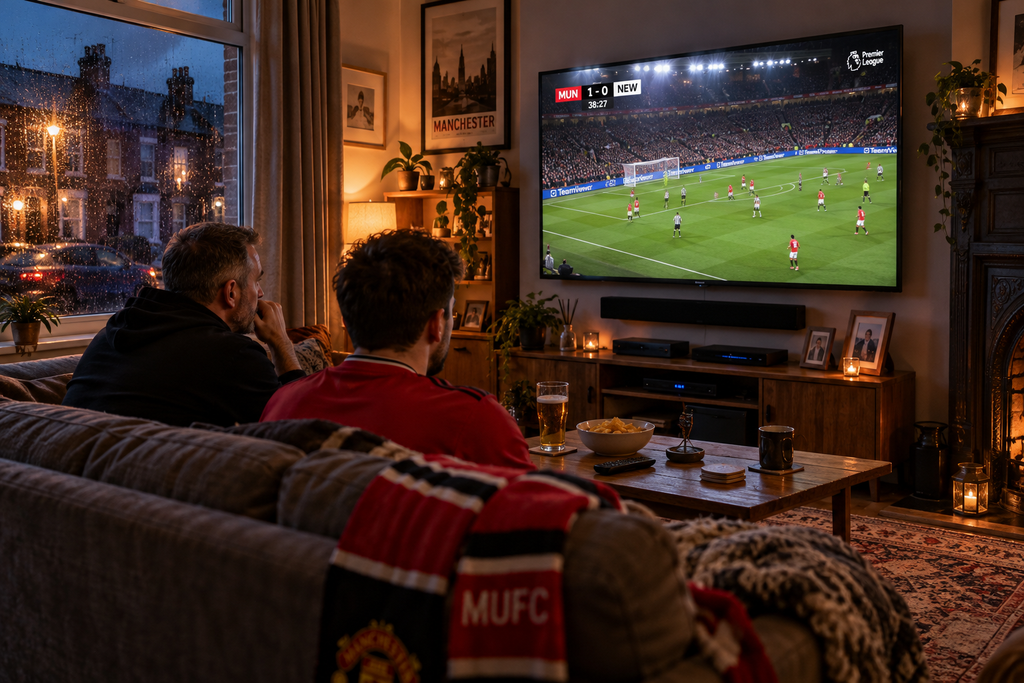
1 Understand How Premier League Broadcasting Works in the UK
Before choosing an IPTV service, it is important to understand how Premier League television rights operate.
For the 2025/26 to 2028/29 domestic rights cycle, Sky Sports and TNT Sports hold the main UK live broadcasting packages. Sky has rights to at least 215 live Premier League matches per season, while TNT Sports has rights to 52.
BBC Sport also provides free-to-air highlights coverage.
However, this does not mean every Premier League fixture is available as a live television broadcast in the UK.
Why some fixtures are not shown live
English football has long operated restrictions around domestic live broadcasting during certain Saturday afternoon periods.
These restrictions are commonly associated with the traditional 3 pm blackout.
As a result, supporters should never assume that every fixture will be available through a UK television service.
A provider advertising complete Premier League coverage should be evaluated carefully, particularly if its claims appear inconsistent with domestic broadcasting restrictions.
The key point: IPTV is a delivery technology, not a replacement for broadcasting rights. Legitimate services must be authorised to distribute the football content they offer.

2 Build Your Viewing Setup Around the Football You Follow
Not every Premier League supporter watches football in the same way.
Some fans follow one club every weekend. Others watch several matches, analyse league standings and keep track of title races, relegation battles and European qualification.
Your viewing habits should influence your choice of equipment and applications.
Three common football viewing styles
| Viewer type | Main priority | Useful setup feature |
|---|---|---|
| Dedicated club supporter | Following available club fixtures | Easy access to authorised broadcasts |
| Weekend football enthusiast | Watching several televised matches | Clear programme scheduling |
| Football-focused household | Combining sport with everyday TV | Convenient content navigation |
For a dedicated supporter, straightforward access may matter more than advanced customisation.
For someone watching several competitions, an organised programme guide can be particularly valuable.
And for a household sharing one television, switching comfortably between football and entertainment may be the deciding factor.
The right setup should reflect your habits rather than force you to adapt to unnecessary features.
3 Choose a Smart TV or Streaming Device That Performs Well
A modern football streaming setup does not have to be expensive or complicated.
Many UK viewers already own suitable equipment.
Samsung and LG Smart TVs can run compatible streaming applications directly, while Android TV, Google TV and Amazon Fire TV devices provide alternative ways to access supported services.
The best option depends on your television and preferred application.
Smart TV versus external streaming device
| Equipment | Main benefit | Consideration |
|---|---|---|
| Samsung Smart TV | Integrated entertainment experience | Application support varies by model |
| LG Smart TV | Convenient remote-controlled navigation | webOS compatibility must be checked |
| Android TV box | Flexible application environment | Hardware quality varies |
| Google TV device | Modern streaming interface | Requires supported applications |
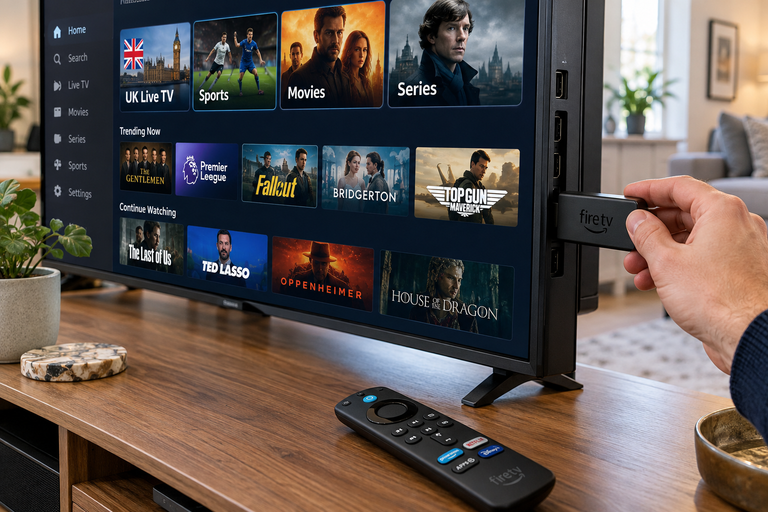
| Fire TV Stick | Compact HDMI streaming solution | Performance varies between models |
An external device can be useful if your television’s built-in software is slow or no longer supports the applications you need.
However, if your existing Smart TV already works reliably, replacing it may offer little benefit.
A simple compatibility checklist
Before selecting a subscription, check that:
- Your device supports the intended application.
- The application is compatible with the content provider.
- Your television receives suitable software updates.
- Your remote control can navigate the interface comfortably.
- The device supports the video formats offered by the service.
These details can make a bigger difference than impressive-looking specifications.
4 Prioritise Football Motion Over Resolution Labels
Premier League broadcasts contain constant movement.
Players accelerate across the pitch, cameras follow long passes and stadium backgrounds create detailed, fast-changing images.
This makes football particularly demanding for video compression and playback.
A stream described as 4K is not automatically better than a well-delivered Full HD broadcast.
What makes football look smooth?
Four factors deserve attention.
Frame rate: Higher frame rates can make fast movement appear smoother when supported by the source and display.
Video compression: Heavy compression may produce visible artefacts around players, grass and crowds.
Source quality: A poor original feed cannot be transformed into a genuinely high-quality broadcast simply by selecting a higher output resolution.
Display processing: Television motion settings can influence how movement appears, sometimes improving smoothness but occasionally introducing unnatural effects.
Test with a real match
When evaluating picture quality, watch the ball during long passes and quick camera movements.
Look for clear player outlines and consistent detail across the pitch.
Also check whether commentary remains synchronised with the picture.
A stable, natural-looking football broadcast is more valuable than a resolution badge that does not reflect actual performance.
5 Use the Premier League Schedule to Plan Your Viewing
Football scheduling is more complicated than simply remembering that matches happen at weekends.
Fixtures can move because of broadcasting selections, European competitions, domestic cup commitments and other scheduling requirements.
A match originally listed for Saturday may later be moved to Sunday or Monday.
For regular supporters, staying organised is part of the experience.
Create a practical matchweek routine
Early in the week: Review your club’s upcoming fixture and check whether the kickoff time has been confirmed.
Before the weekend: Verify which authorised UK broadcaster is carrying the match.
On matchday: Open the relevant application in advance and confirm that your device is working normally.
After the final whistle: Check the next fixture and any updated schedule information.
Where an EPG helps
An Electronic Programme Guide can display scheduled television programming when the provider supplies accurate guide data.
This makes it easier to identify pre-match discussions, live broadcasts and post-match analysis.
However, programme guides are not infallible.
Fixture changes may take time to appear, so official competition and broadcaster schedules remain important reference points.
6 Understand Live Streaming Delay During Premier League Matches
One of the most noticeable differences between traditional broadcasting and internet streaming is latency.
You may hear a neighbour celebrate before the goal appears on your screen.
Or a football notification may reveal the score before the action unfolds on your television.
This does not necessarily mean your internet connection is faulty.
Why IPTV streams can run behind
Internet video generally passes through several processing stages before reaching the viewer.
The content may be encoded, distributed across networks, buffered and decoded by the receiving device.
Each stage can contribute to delay.
Different services may use different delivery technologies, and some prioritise stable playback over minimal latency.
Can you reduce football streaming delay?
Sometimes, but results depend on the service.
Use a compatible, well-performing device and maintain a reliable network connection.
Avoid assuming that manually changing unrelated settings will improve latency.
Most importantly, understand that a small delay is normal with many internet-based live broadcasts.
If spoilers bother you, consider silencing football score notifications while watching.
7 Prepare Your Home Network for Busy Football Weekends
Premier League matches often coincide with heavy household internet usage.
Someone may be streaming a film upstairs while another person plays an online game or downloads large files.
Even a good broadband connection can experience problems if local wireless conditions are poor.
Identify the weakest part of your connection
Start by considering where your television is located.
If the router is downstairs and the television is several rooms away, WiFi signal strength may be inconsistent.
Walls, neighbouring wireless networks and competing devices can all affect performance.
Where practical, a wired Ethernet connection may offer more consistent local connectivity.
However, Ethernet cannot fix issues originating with the broadcaster or streaming provider.
STOP BUFFERING TODAY!
Enjoy ultra-fast, stable streaming with HD, Full HD, and 4K quality on all your favourite devices.
What to check when playback struggles
| Symptom | Possible cause | First check |
|---|---|---|
| Frequent buffering | Network or service instability | Compare other streams |
| Blurry picture | Compression or adaptive quality | Check connection consistency |
| Slow application menus | Device or software limitations | Check device performance |
| One broadcast unavailable | Content or service issue | Verify authorised availability |
| Audio delay | Playback or sound-system processing | Compare another programme |
A useful troubleshooting principle is to change one variable at a time.
If every streaming application struggles, investigate the device or network.
If only one broadcast has problems, the cause may be specific to that source.
8 Make Premier League Navigation Faster and Simpler
A football-focused entertainment interface should help you find relevant programming without unnecessary searching.
This is where organisation becomes valuable.
Some applications allow users to create favourites, browse programme categories and search for specific channels.
Others offer a more basic interface.
Neither approach is automatically better, but everyday usability matters.
Keep your football section manageable
Instead of saving every sports-related channel, prioritise the authorised services and programming you use regularly.
Organise favourites where supported.
Check whether the application displays programme titles clearly.
Make sure switching between live television and other entertainment does not require excessive navigation.
For households where several people share the same television, a straightforward interface can make the entire experience more convenient.
9 Evaluate IPTV Premier League Services Before Subscribing
A subscription decision should be based on more than promotional claims.
Some advertisements emphasise enormous channel collections or impressive technical specifications without explaining content rights, compatibility or real viewing conditions.
For Premier League supporters, those missing details are important.
The football streaming evaluation table
| Evaluation area | What a UK viewer should verify |
|---|---|
| Premier League coverage | Authorised access to televised fixtures |
| Device compatibility | Support for existing Smart TV or streaming device |
| Streaming performance | Consistent playback during live programming |
| Picture quality | Clear motion and appropriate resolution |
| Programme information | Useful schedules and navigation |
| Subscription conditions | Transparent terms and device allowances |
| Technical assistance | Clear support options |
| Content legitimacy | Appropriate distribution rights |
Questions worth asking before payment
Does the provider clearly explain what content is available?
Can you use the service on your preferred device?
Are the subscription terms understandable?
Does the provider offer sufficient information about setup and technical requirements?
These questions help distinguish a practical entertainment option from an advertisement built around unrealistic promises.
If a legitimate provider offers a suitable trial, it may help you assess device compatibility and application usability before making a longer commitment.
Premier League Viewing Is About More Than the Live Match
A complete football weekend often includes more than ninety minutes of action.
Supporters follow team news, tactical analysis, interviews, highlights and post-match discussion.
These programmes can be just as important as the live broadcast.
For viewers researching IPTV Premier League options, it is worth considering the wider football experience.
An organised television setup may help you move between authorised live coverage, analysis programmes and entertainment more comfortably.
However, availability depends on the individual broadcaster and service.
Do not assume that one subscription includes every football programme or competition.
Is IPTV Premier League Streaming Legal in the UK?
IPTV technology is legal in the United Kingdom.
Many established television and streaming providers deliver programming using internet-based systems.
The legal distinction concerns the rights to distribute copyrighted material.
Premier League broadcasts are protected content, and providers need the appropriate permissions to offer them.
An IPTV service advertising premium football channels does not automatically have those permissions.
UK viewers should choose authorised services and verify legitimate access to the matches they want to watch.
Explore Your Entertainment Options With IPTV British
A better football viewing experience starts with the right decisions.
Choose equipment that works reliably, understand the Premier League broadcasting arrangements and prioritise legitimate content availability over exaggerated advertising claims.
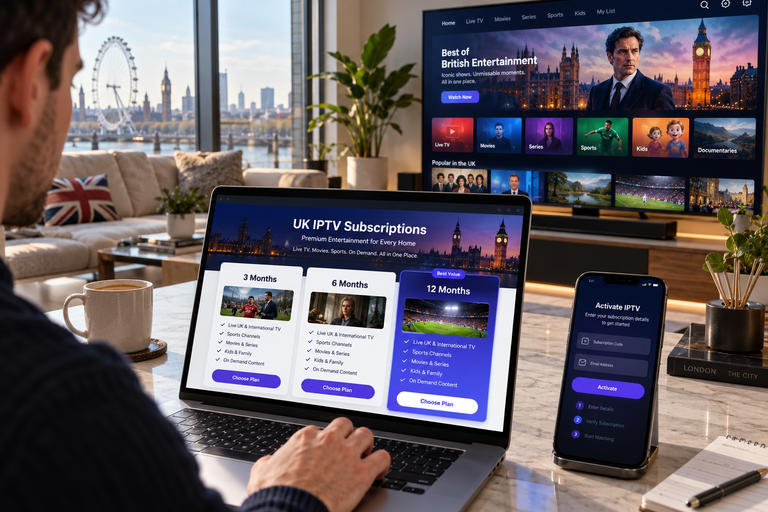
At IPTV British, you can explore our service information and available subscription plans to see how our entertainment options match your television setup and viewing preferences.
Whether you use a Smart TV, Android TV or another compatible device, reviewing the available details before subscribing can help you make a more informed choice.
Explore IPTV British today and find a television setup that suits your home entertainment needs.
Helpful Resources
👉 Learn More About Our Service
👉 Explore Available Plans
👉 Read More About IPTV Technology
Can I watch Premier League football through IPTV in the UK?
Yes. Authorised internet-based television services can deliver Premier League coverage in the UK. Match availability depends on the broadcaster’s rights and the specific fixture.
Which broadcasters show Premier League matches in the UK?
For the 2025/26 to 2028/29 domestic rights cycle, Sky Sports and TNT Sports hold the main live broadcasting packages. BBC Sport provides free-to-air highlights coverage.
Can I use IPTV Premier League services on a Samsung or LG Smart TV?
Compatible Smart TVs can access supported streaming applications. Availability depends on the television model, operating system and the particular service.
Is 4K necessary for Premier League streaming?
No. High-quality Full HD can deliver an excellent football picture. Consistent playback, clear motion and source quality are equally important.
Why does a football stream sometimes run behind live television?
Internet streams may introduce delay through video encoding, network delivery and buffering. The amount varies by platform, technology and device.
Is every Premier League match available live in the UK?
No. Domestic broadcasting arrangements and restrictions mean that not every fixture is televised live in the UK.